Sample Made-up demo app, not a client
What a $149 listing makeover looks like.
Five plain screenshots in, a store-ready set out: five App Store frames, a first Google Play frame and the feature graphic. Below each change is the rule or idea behind it.
About this sample
DemoTempowren is made up. It's a practice journal for musicians that we invented, with screens we built, to show the process end to end. It isn't a client, it isn't on the App Store or Google Play, and there are no results to report from it.
The pieces in it are public-domain classical works. Any resemblance to a real app's name is unintended.
The whole set, before and after
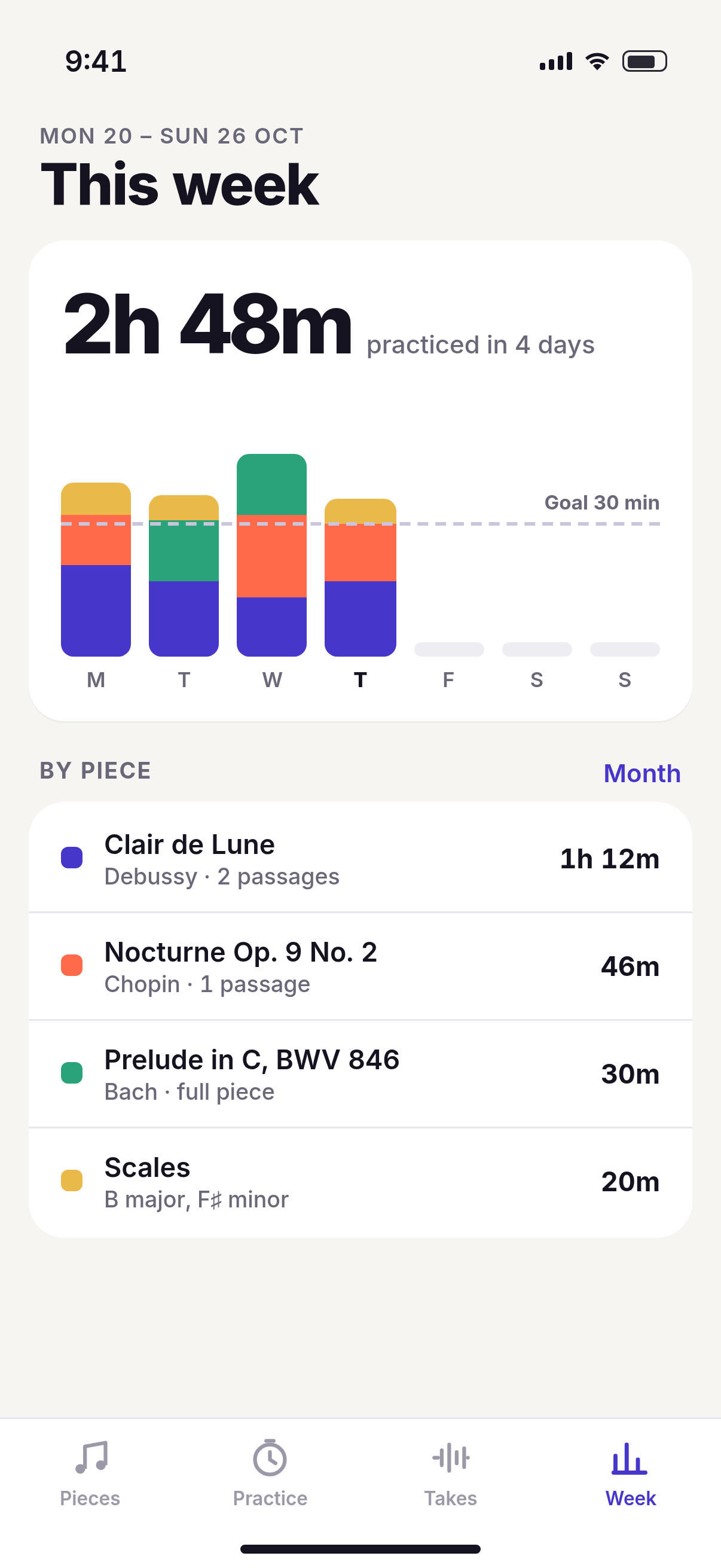
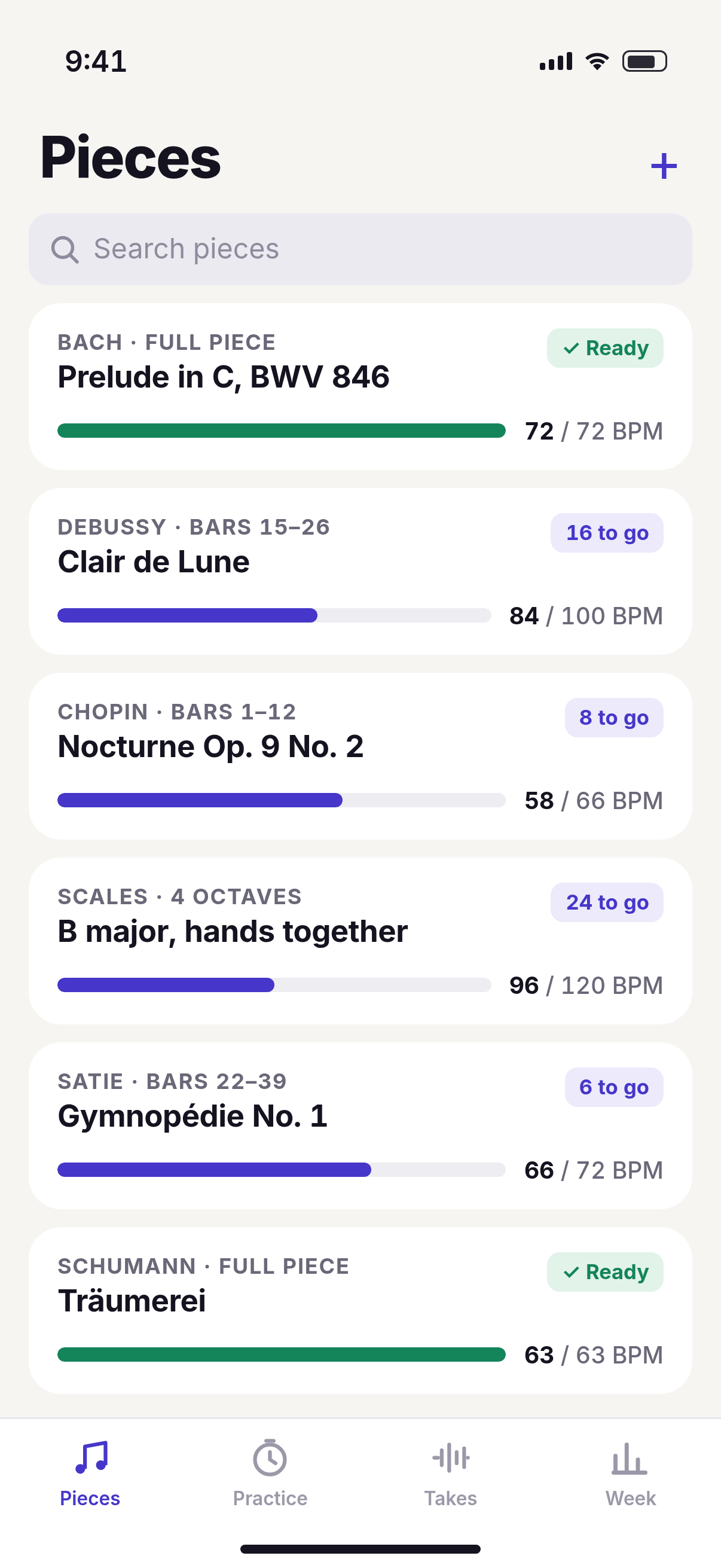
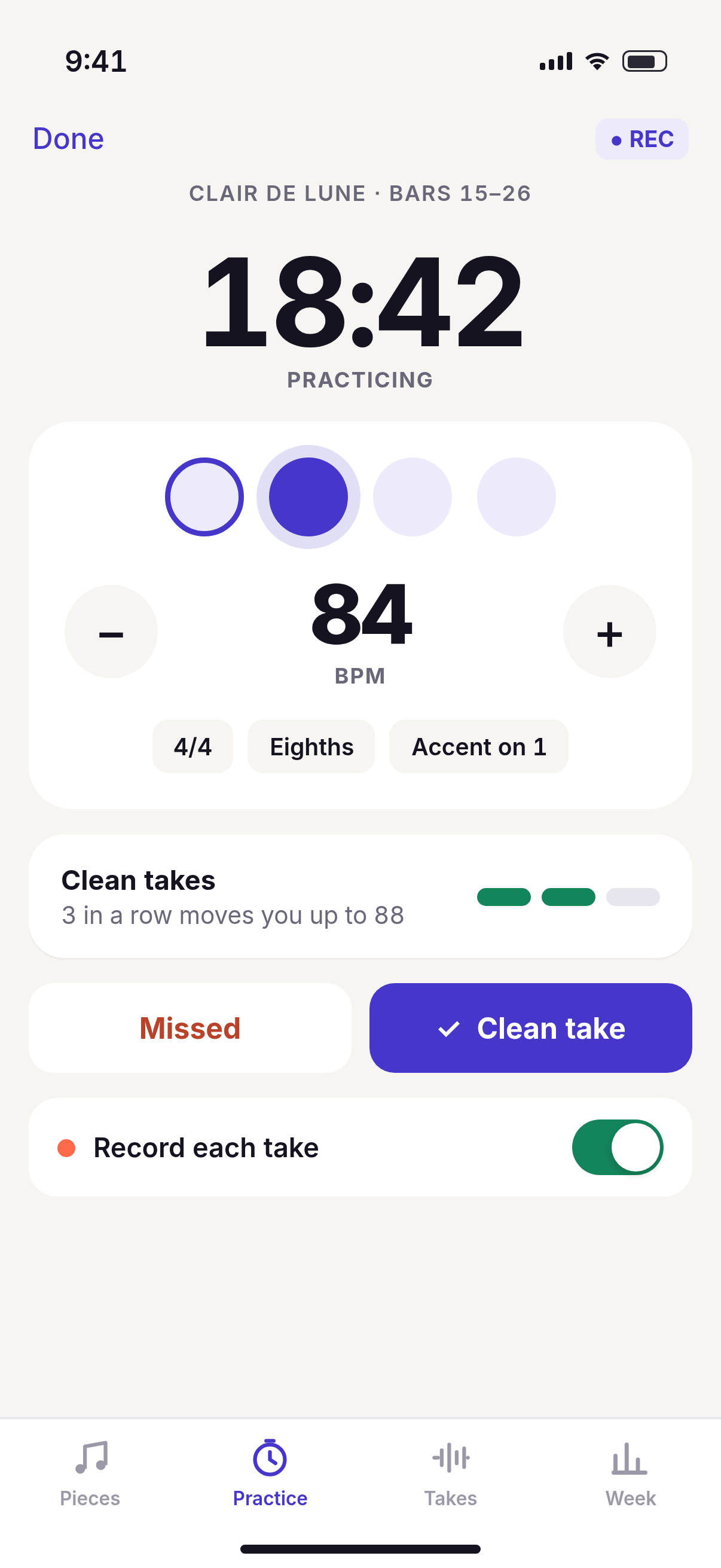
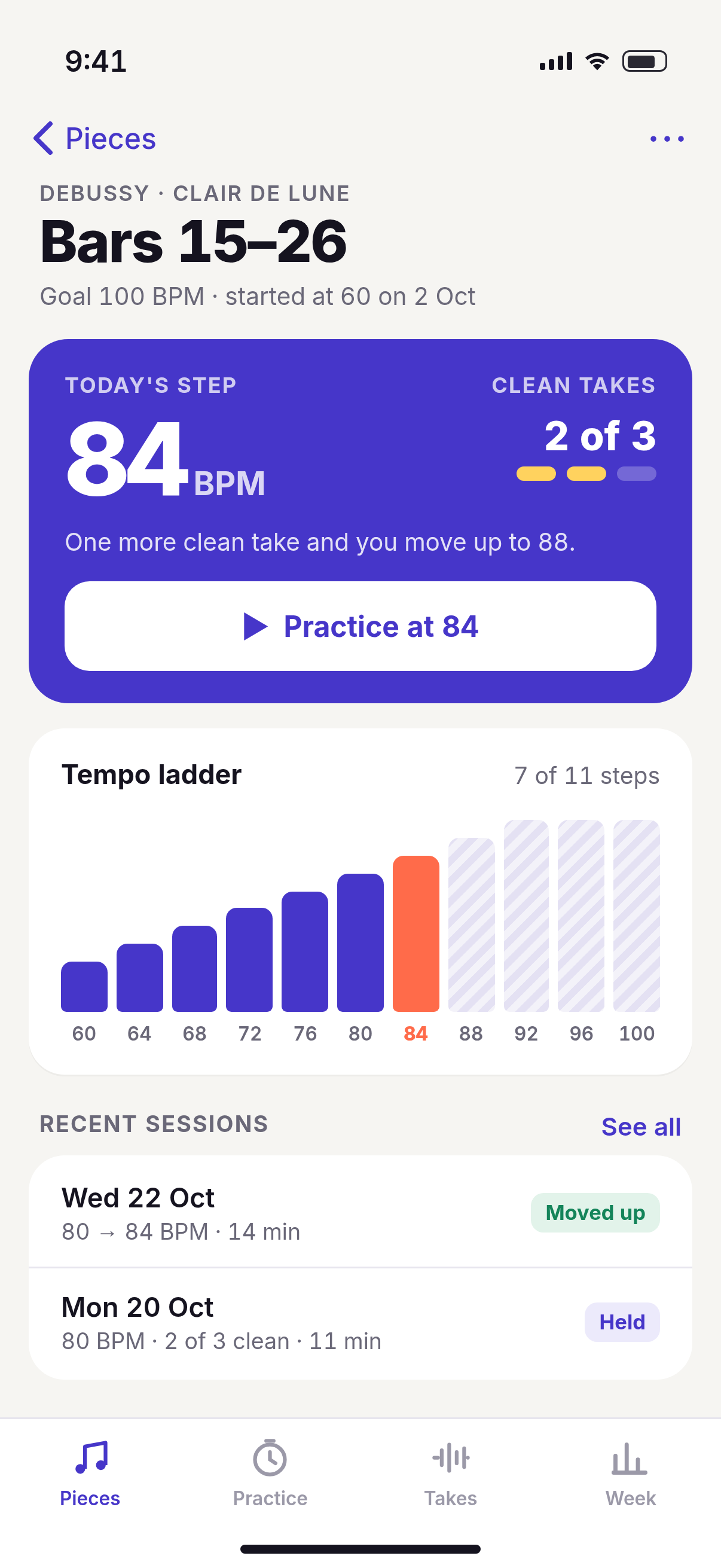
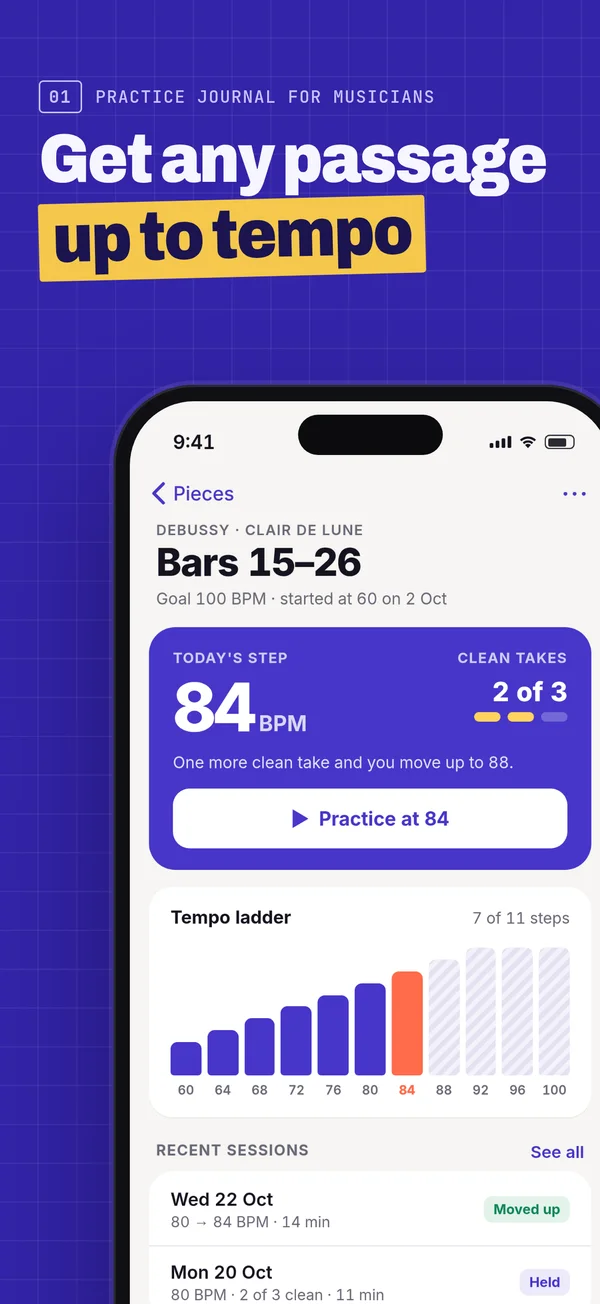
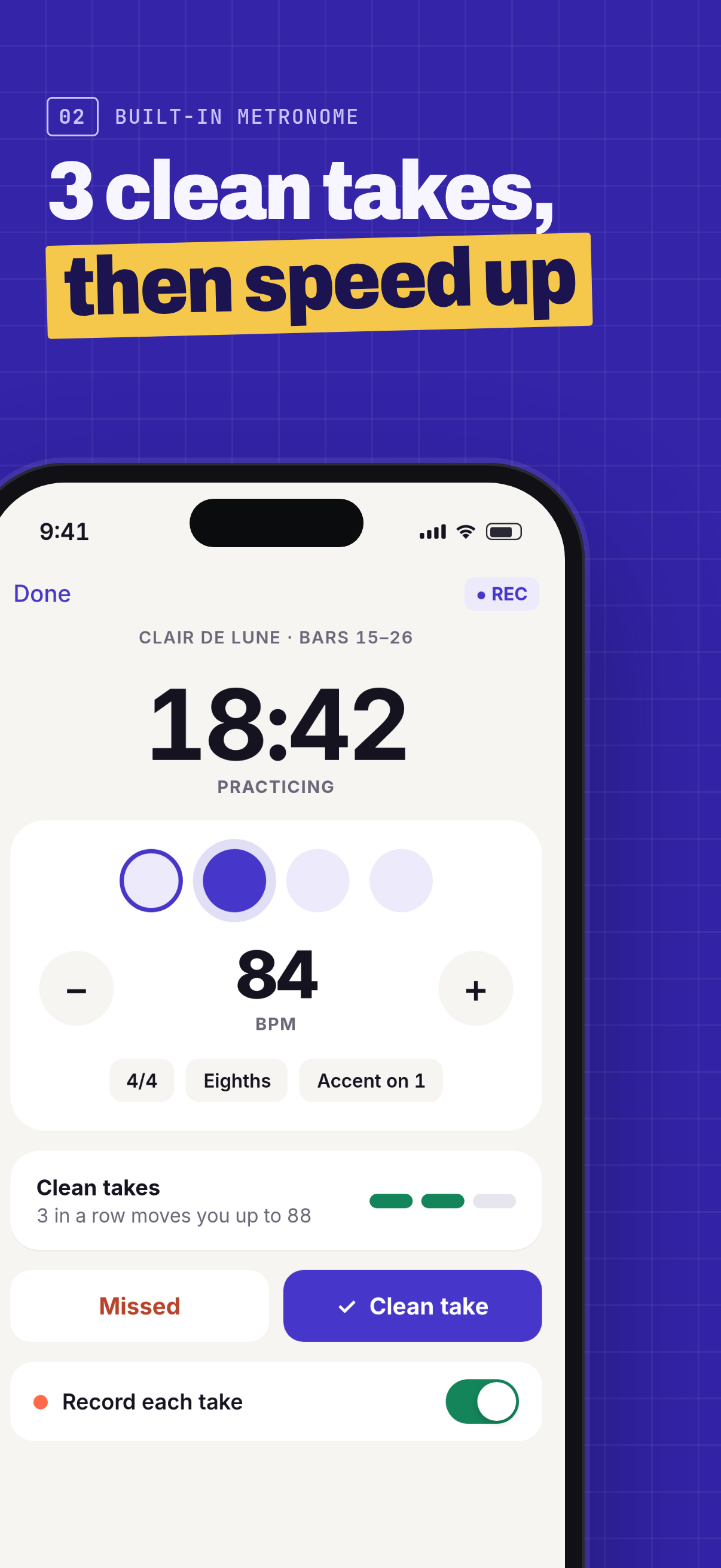
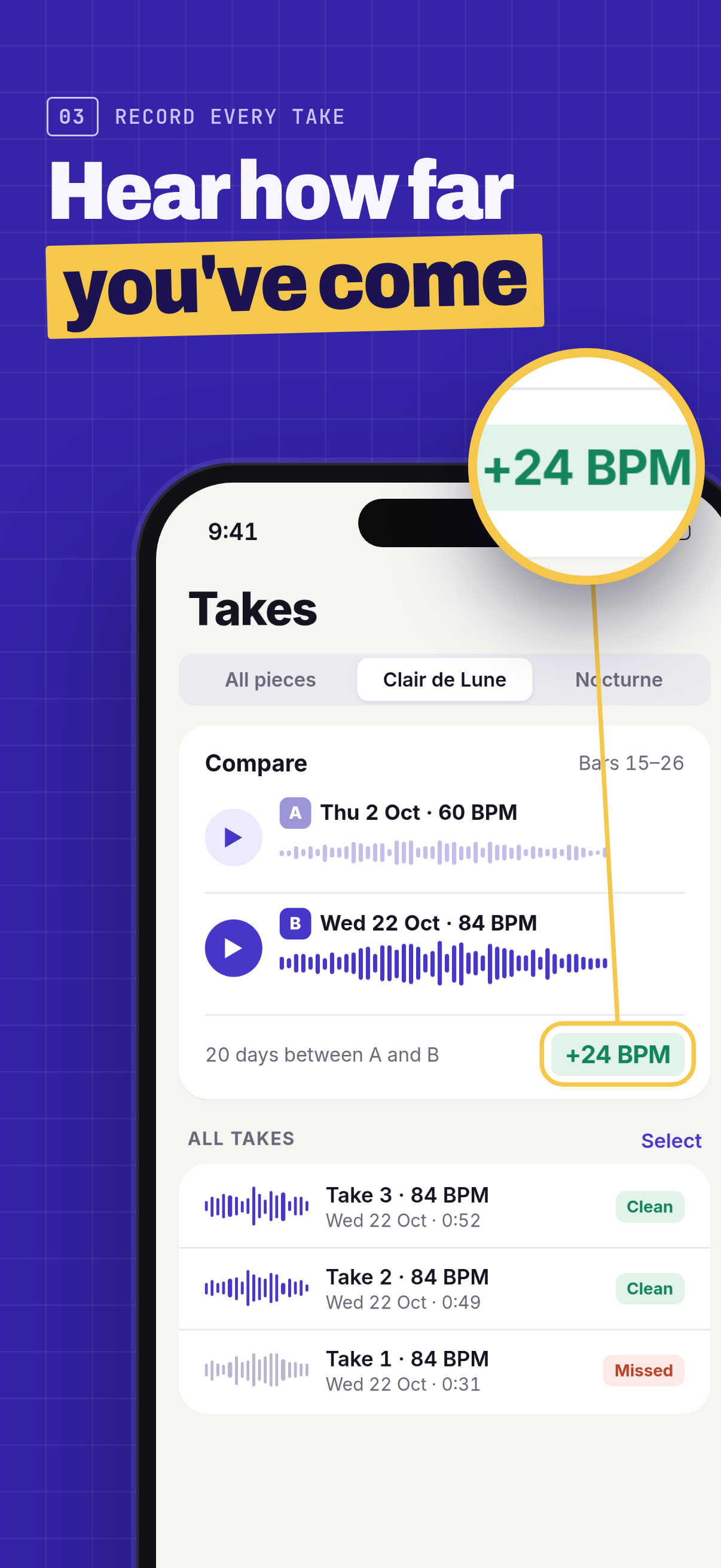
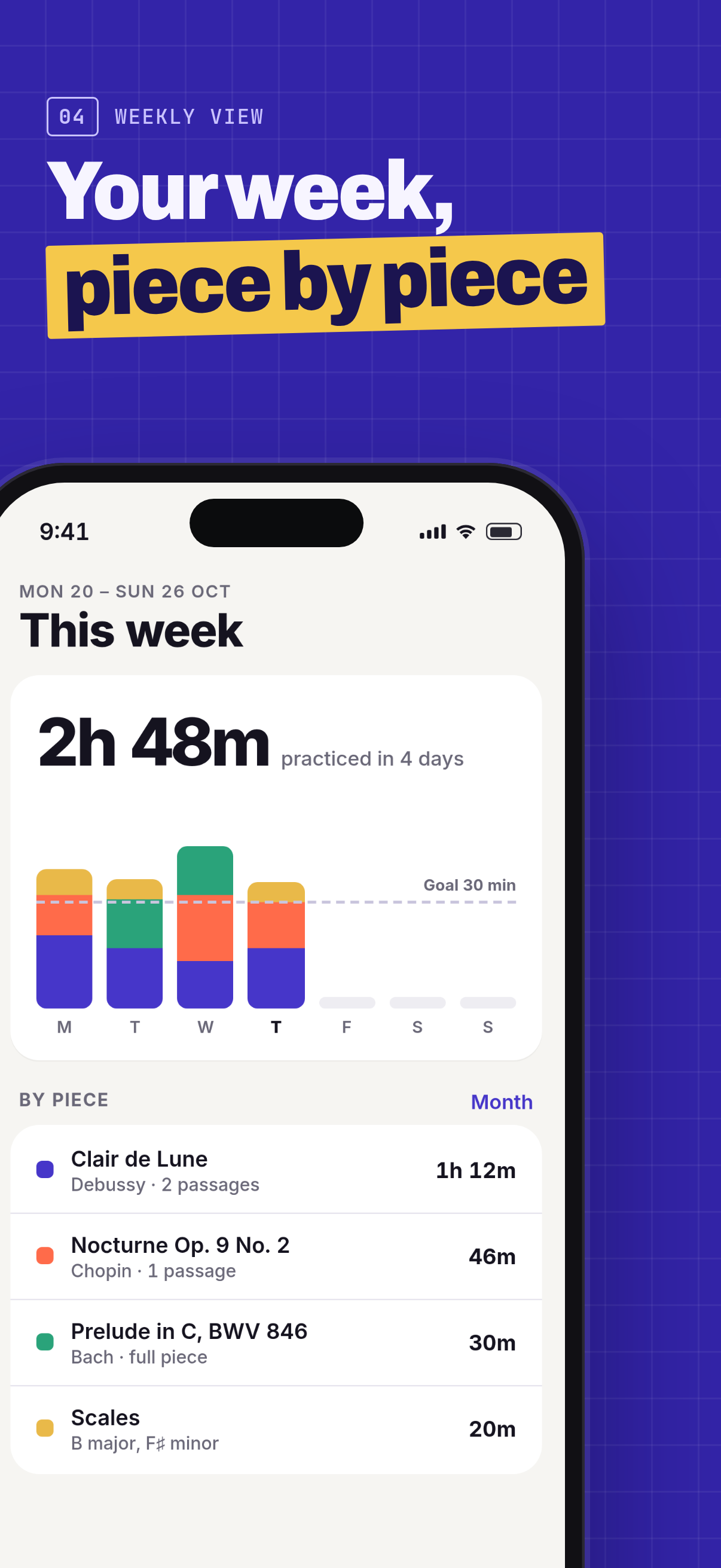
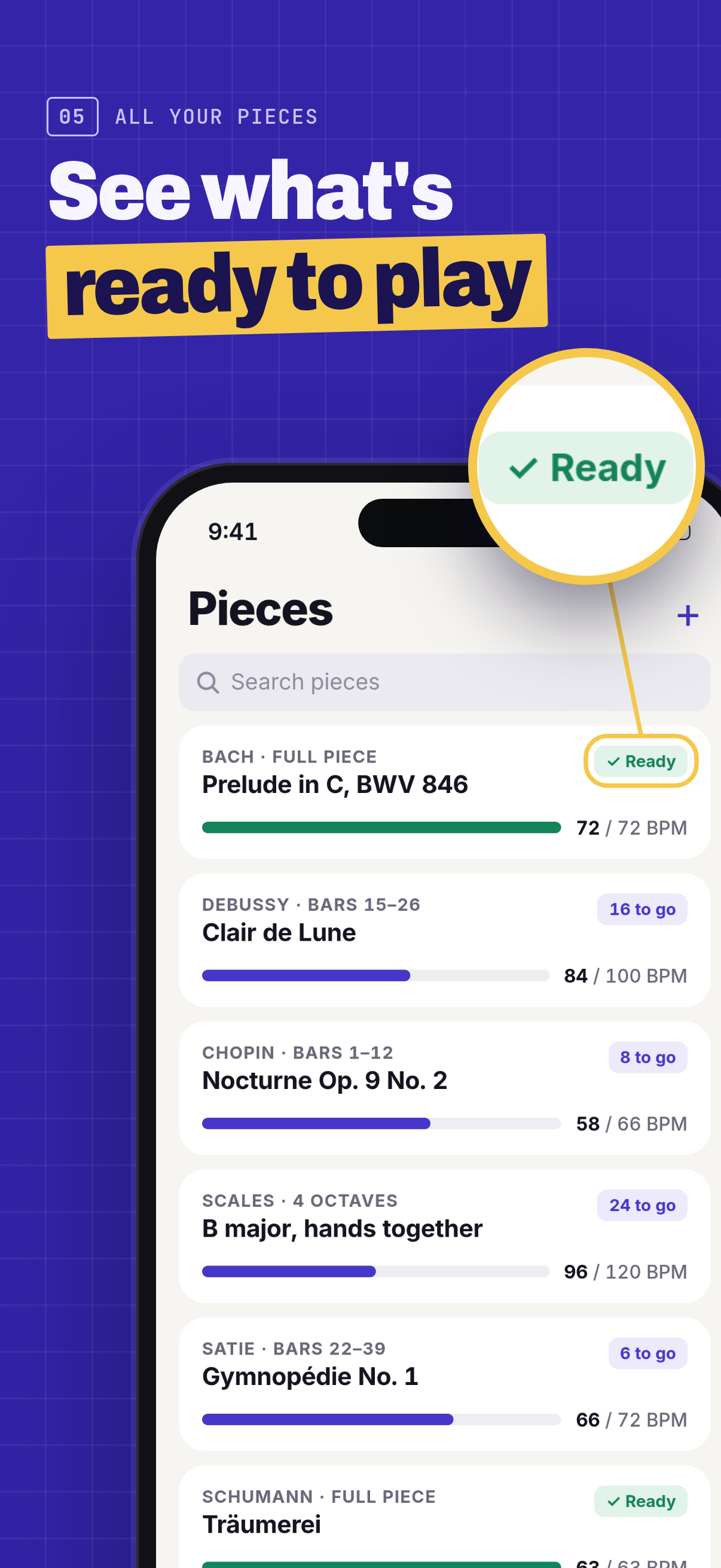
Both rows are 1206×2622 iPhone frames of the made-up Tempowren app, in upload order. Tap any frame for the full-size PNG.
 01
01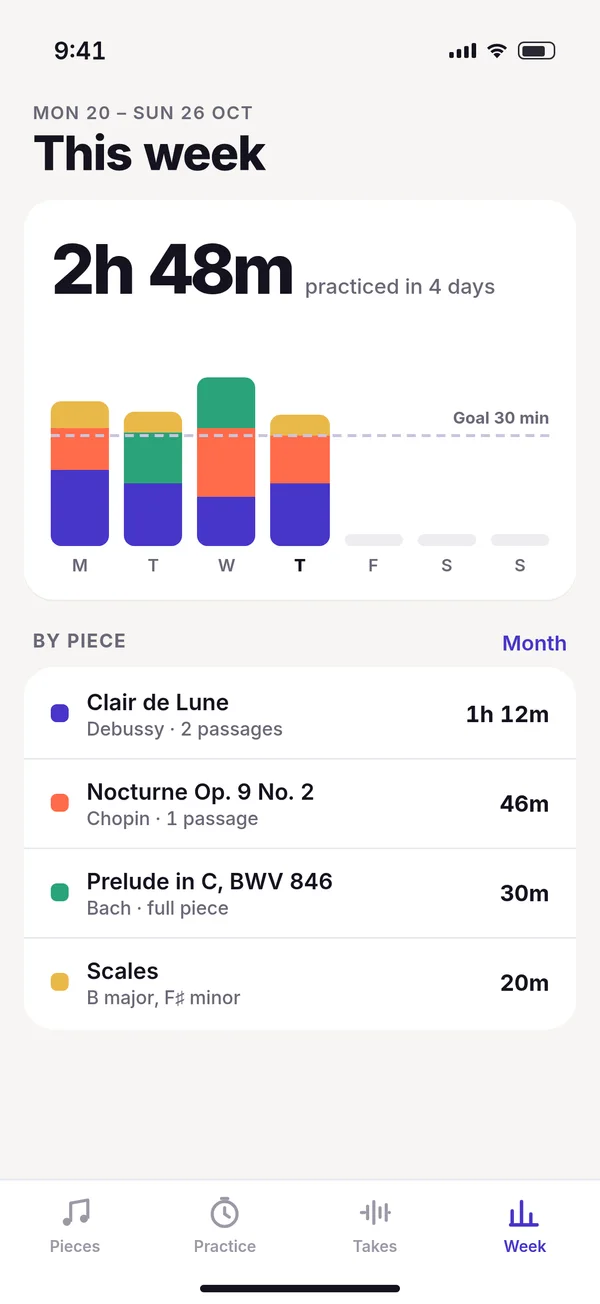 02
02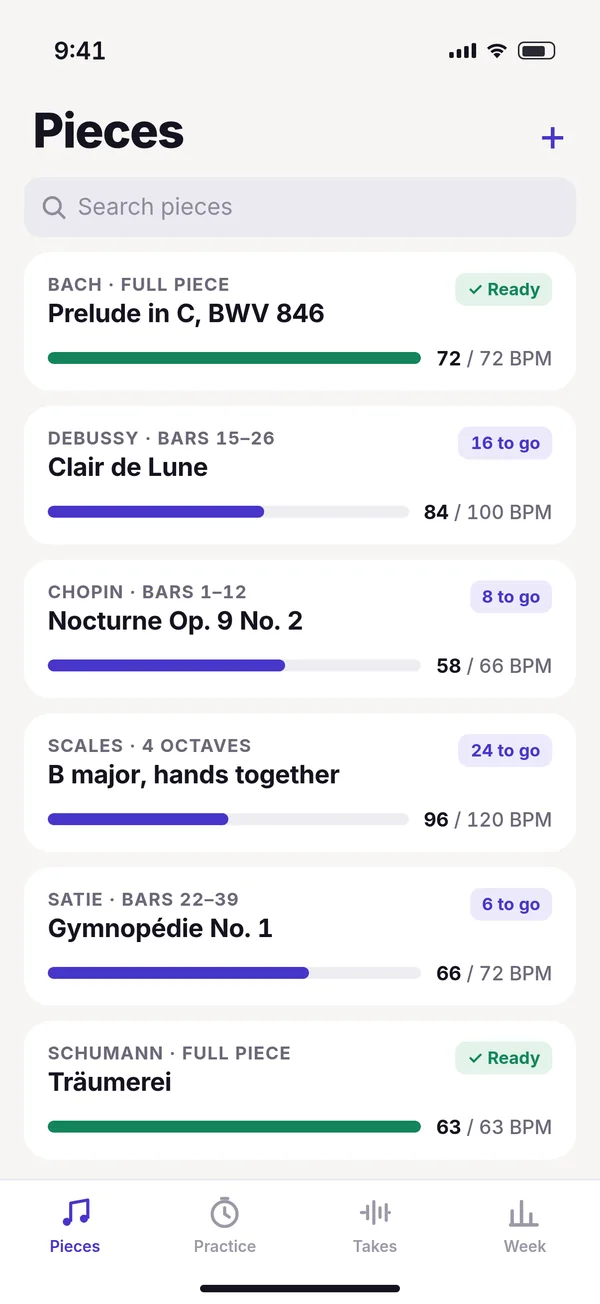 03
03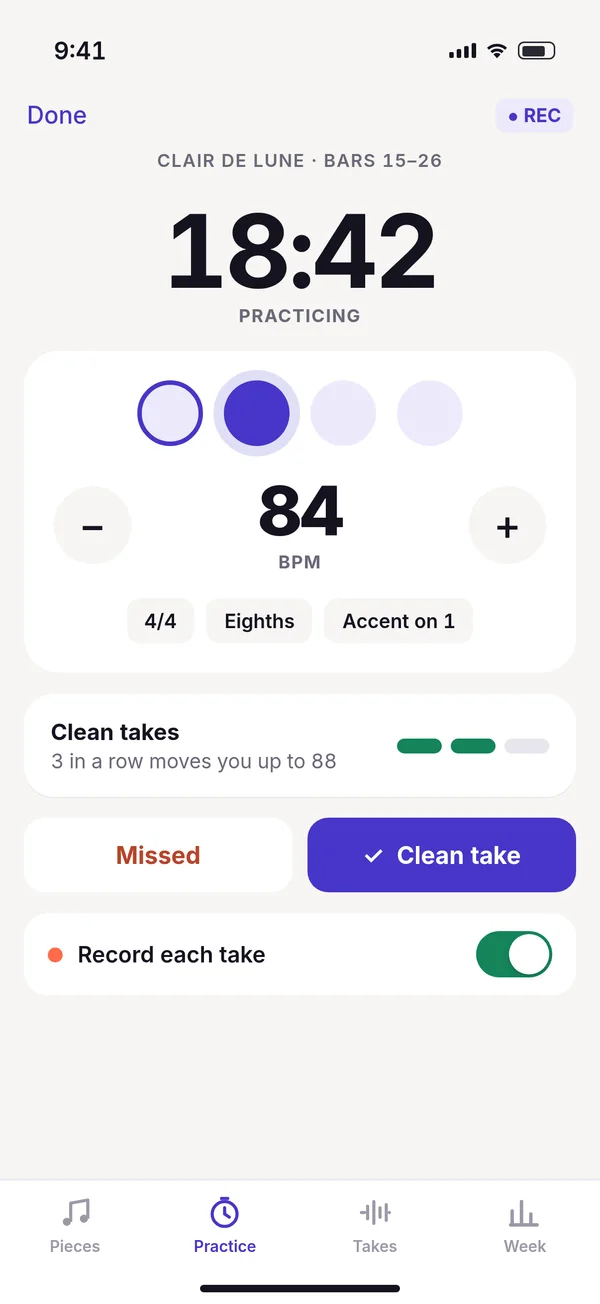 04
04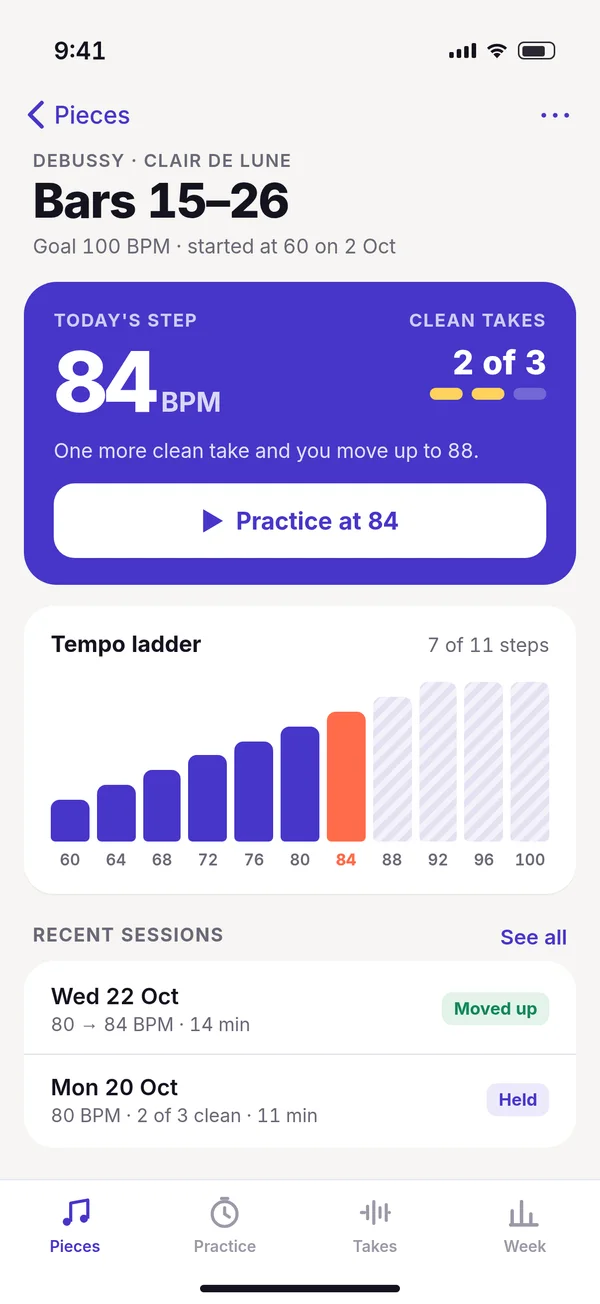 05
05
 01
01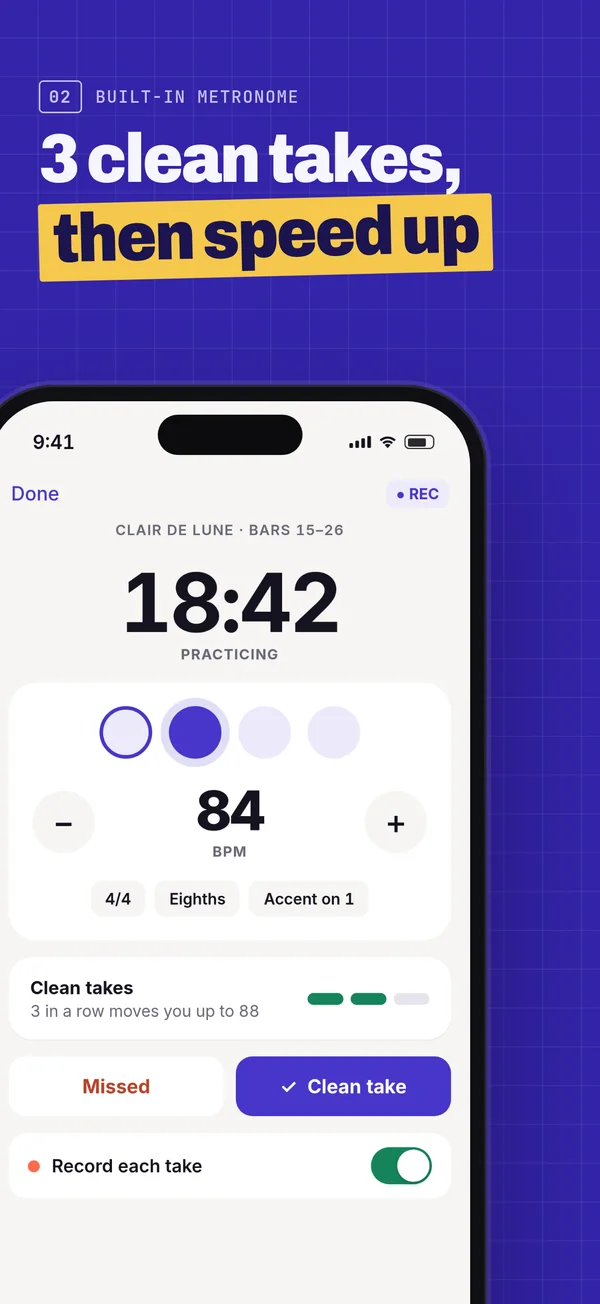 02
02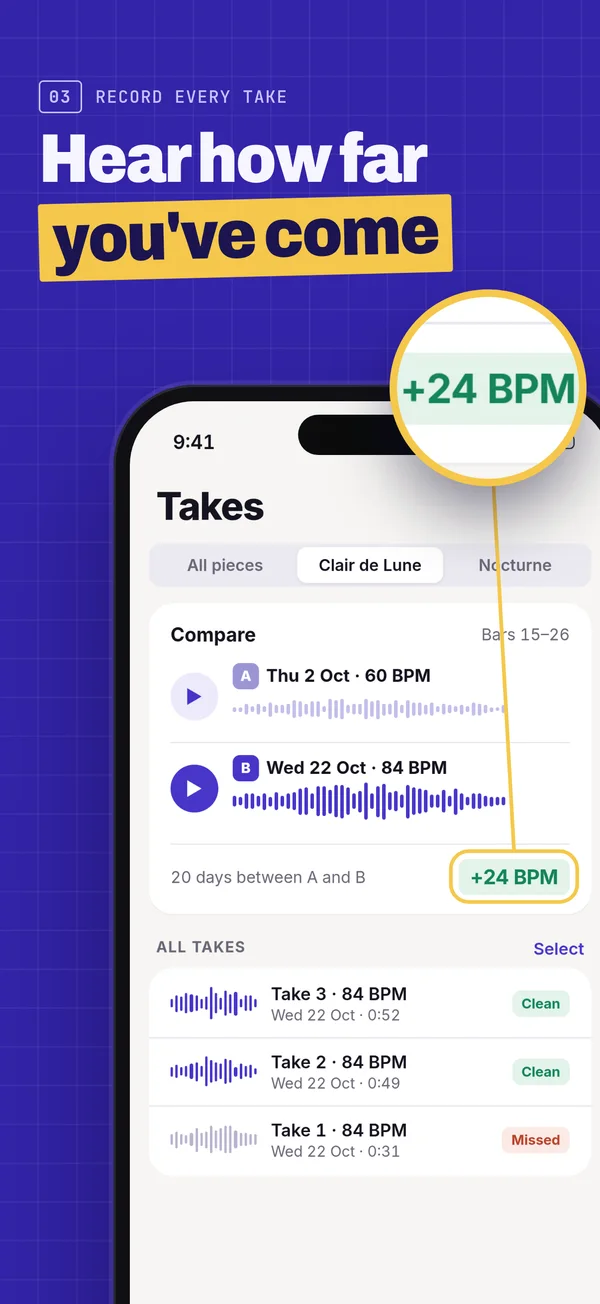 03
03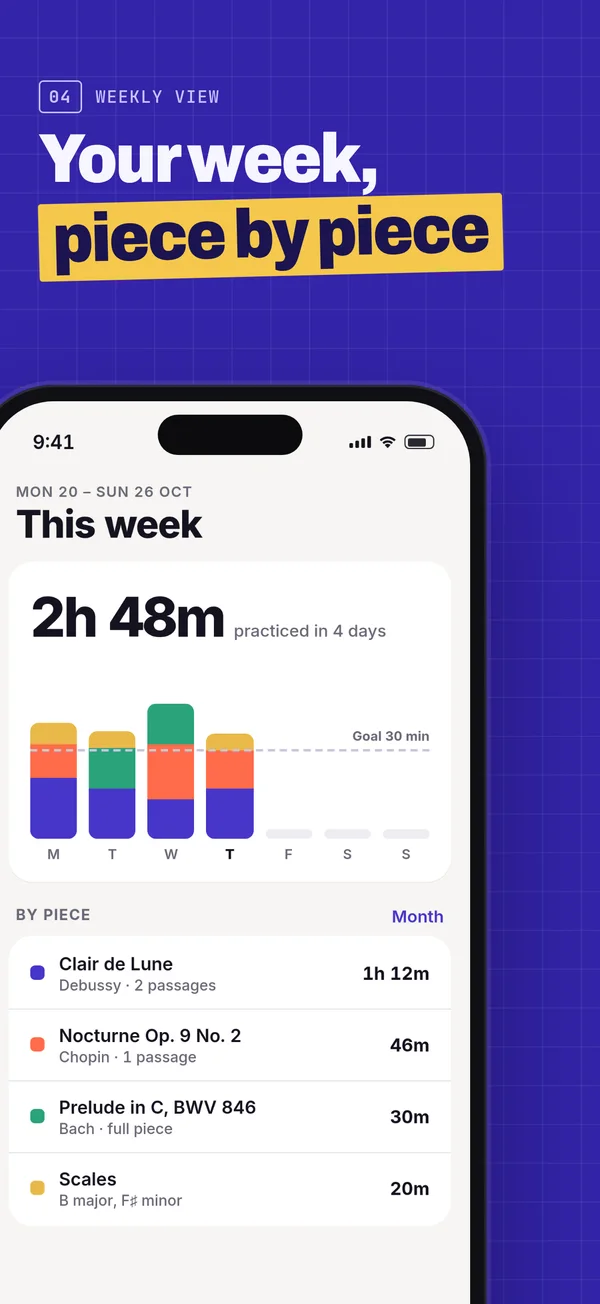 04
04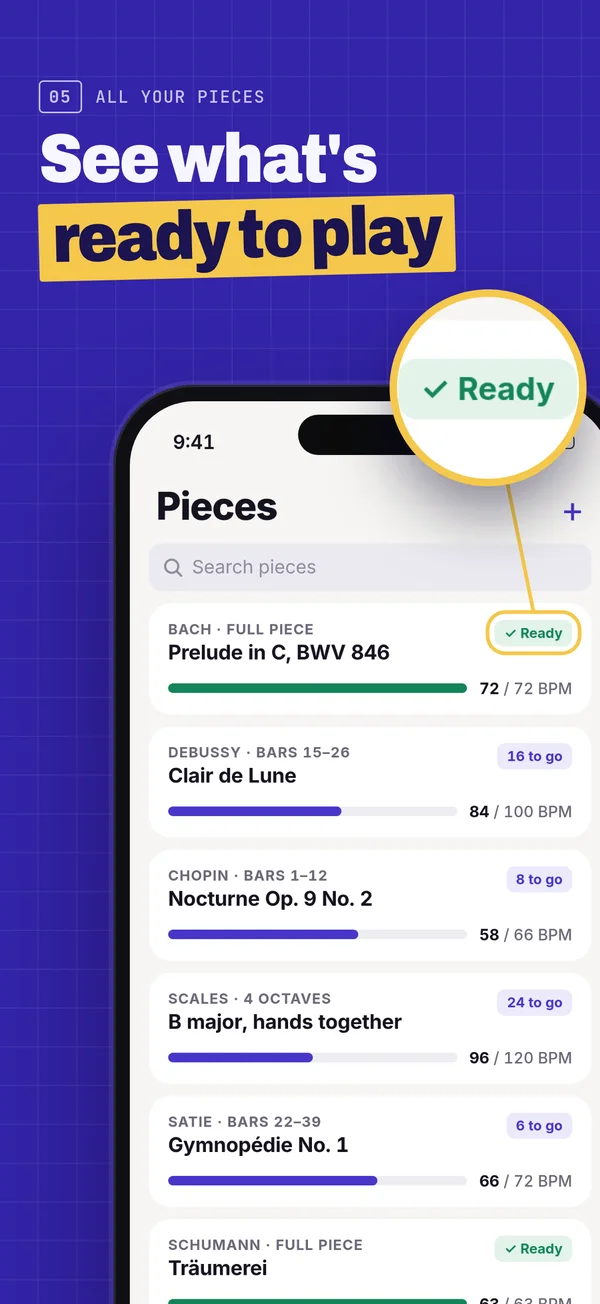 05
05
5 sThe 5-second test
Cover everything but frame 1. What does the app do?
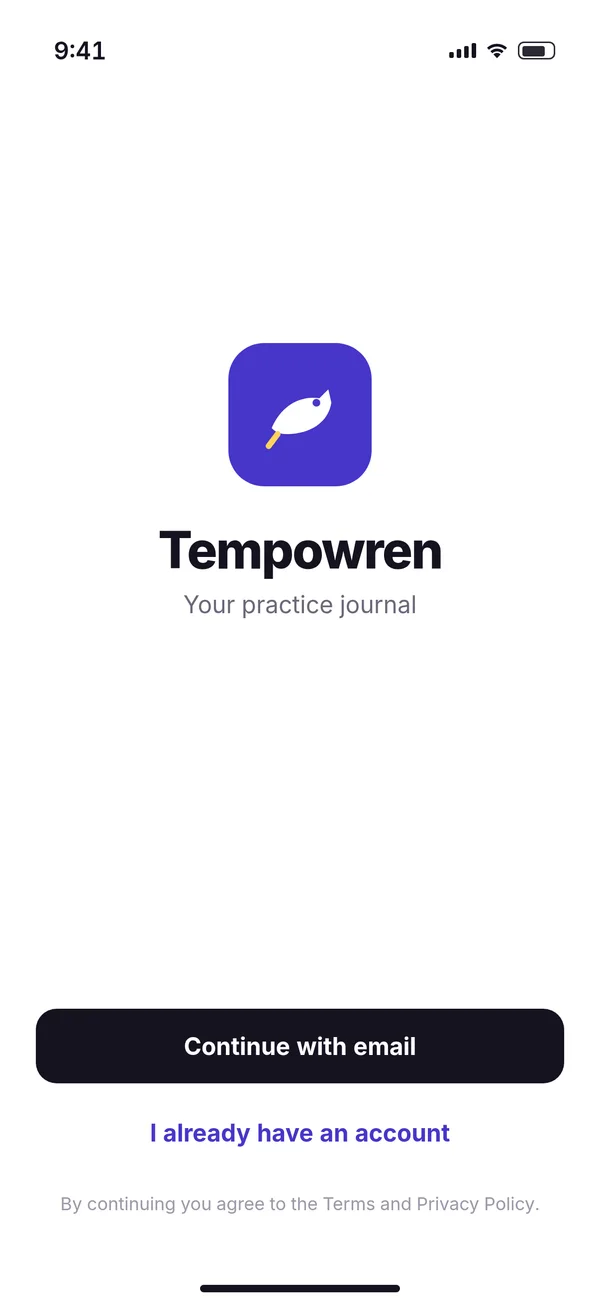
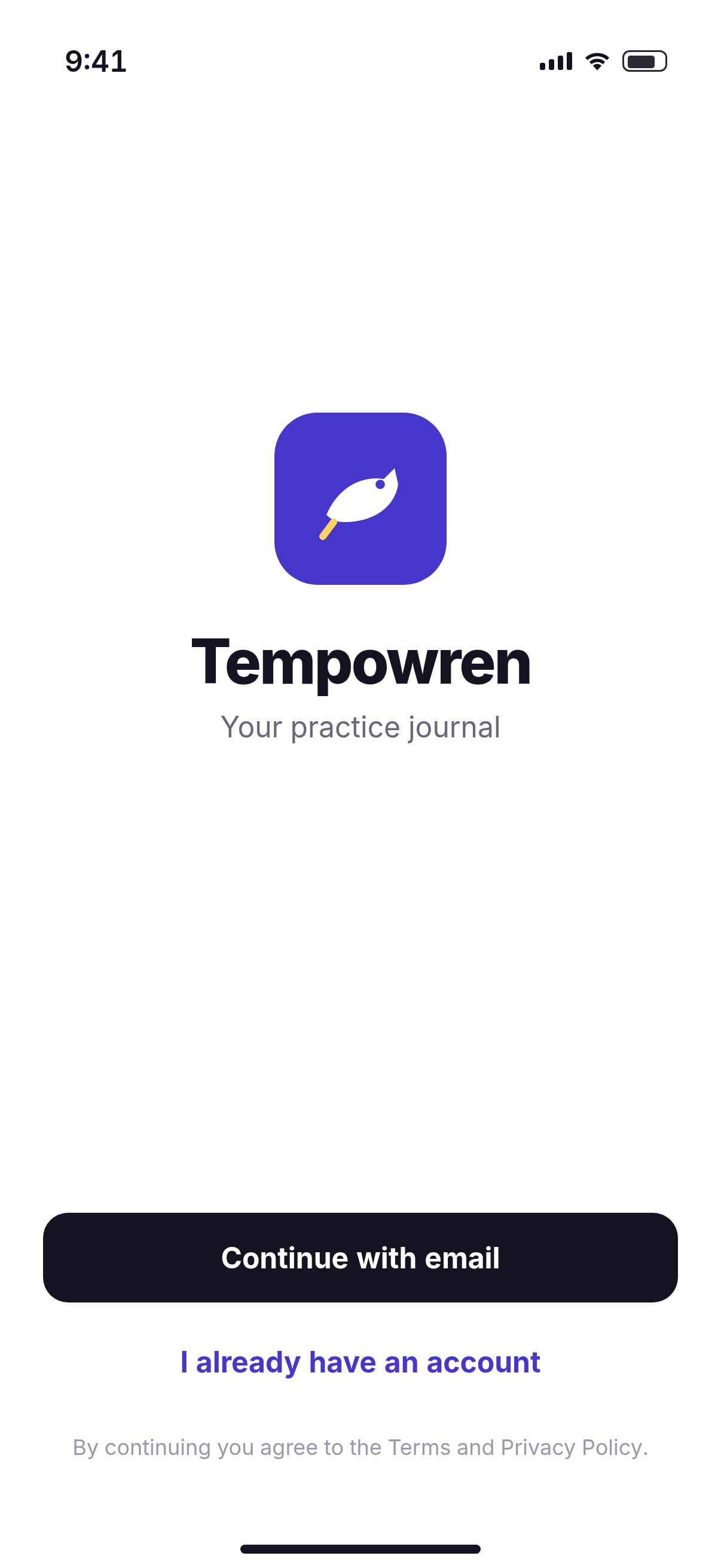
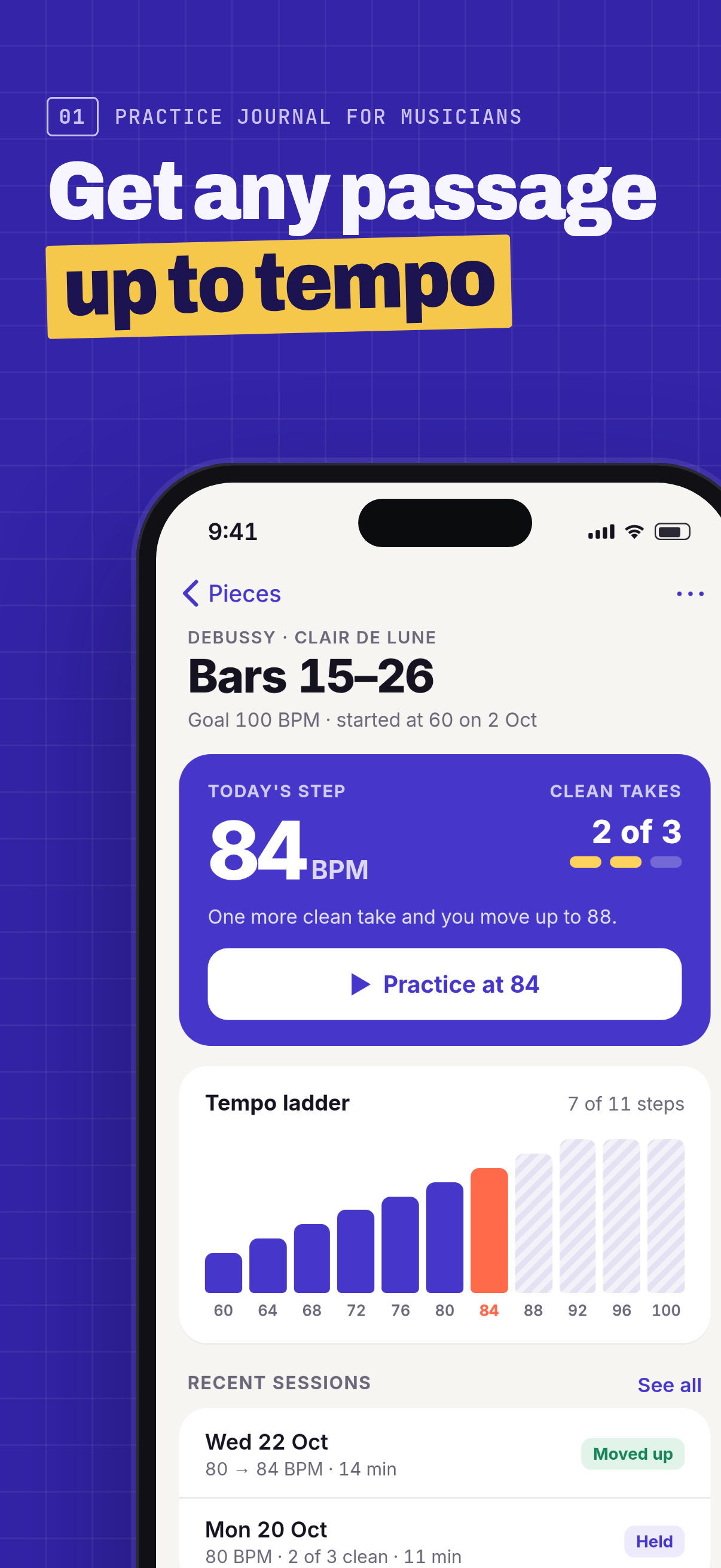
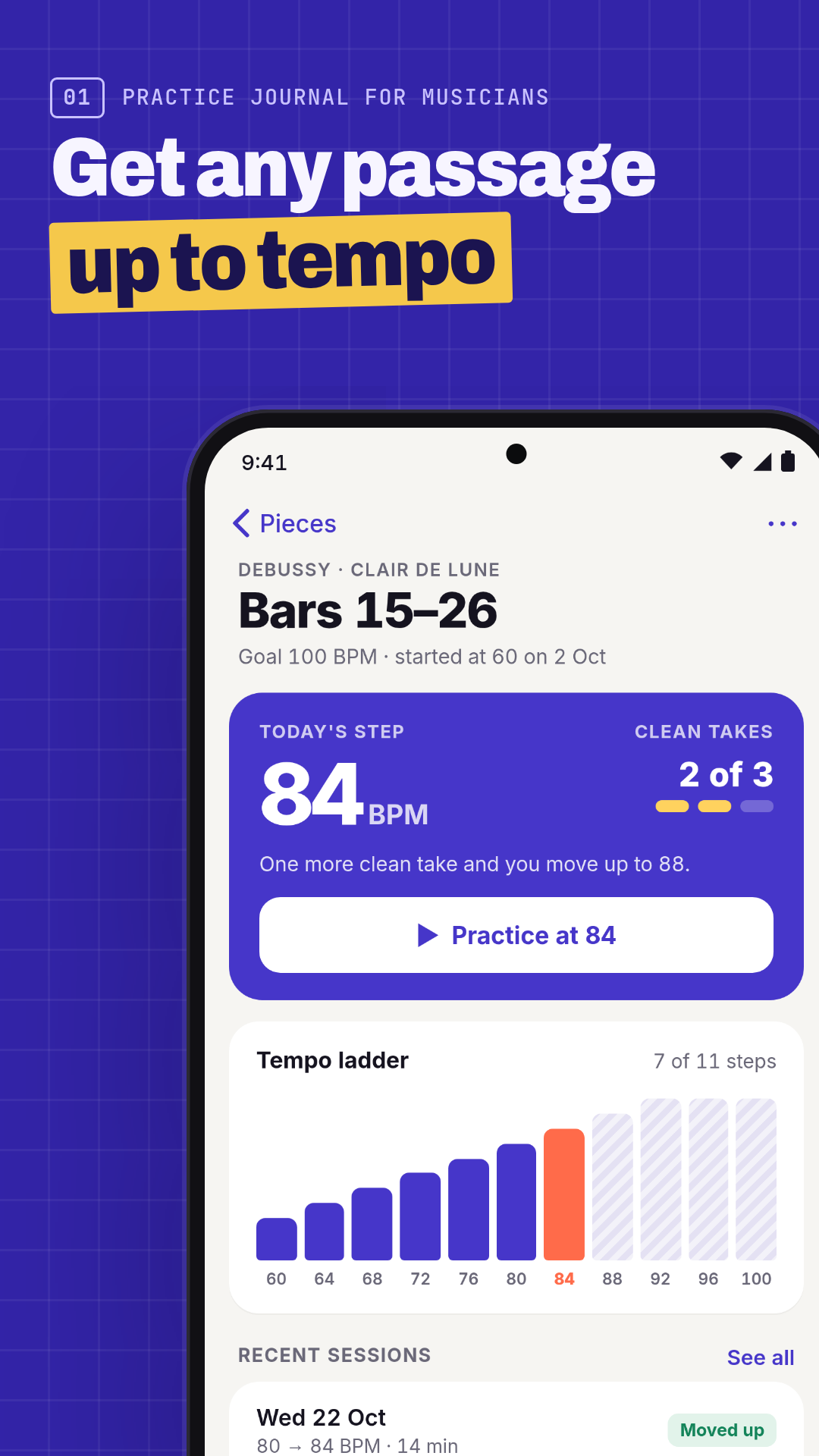
That's the test we put every first frame through. Before: a sign-in screen, so the answer is “something called Tempowren”. After: a practice journal that gets hard passages up to tempo, shown on the screen that does it.
Want to see your own first frames the way search shows them? Run the free audit.
What changed, and why
Each change is tied to a store rule or to the 5-second idea, with a link to the guide where we quote the rule.
Frame 1 now says what the app does
The old first frame was the sign-in screen: an icon, “Tempowren” and “Your practice journal”. In five seconds you learn the name and not much else. The new one names the category in the label and the main job in the headline, over the screen that does it.
The 5-second testWhy the first frames matter
The best feature moved from last to first
The tempo ladder is the reason to download, and it was frame 5 of 5. Apple says the first one to three screenshots show in search results when there's no app preview, so that's where the strongest screens now go.
First one to three framesConversion rate guide
One benefit per frame, in a few words
Each headline is two short lines with one highlighted phrase, set large enough to read at search-result size. A small label above names the feature, so the frame makes sense even if the headline is skimmed.
Readable at thumbnail size
The real app, big, in every frame
Every frame uses the same screen capture as the before set, not a redraw. Apple's rule is about how many screenshots show the app: App Review approves only sets where more than half of the screenshots show the app in use, and a login page alone doesn't count. All five do here. We also hold ourselves to a stricter target of our own (not an Apple number): the phone screen should cover more than half of each image. In this set it covers 54.2% of every iPhone frame (they share one layout) and 53% of the Play frame.
Apple 2.3.3Screenshot rejections guide
Small proof, enlarged
“+24 BPM” and the “Ready” badge are too small to read in search, so a loupe enlarges them. It's the same pixels from the same screen, and it sits over the status bar, so it doesn't hide what the app is doing.
Overlays mustn't hide the appWhat Apple says about overlays
Nothing that gets a set bounced
No prices, no “#1” or “best”, no other platform's phone or status bar on the App Store frames. The Google Play frame uses an Android version of the same screen, with Android system bars.
Apple 2.3.7 and 2.3.10The rules, quoted
A screen that sells, instead of one that doesn't
The sign-in screen is out and the takes screen is in, because recording and comparing takes is a real feature the old set never showed. In a makeover nothing is redrawn: if a better screen exists, we ask you for a capture of it.
Show the app in use
Exact sizes, no alpha
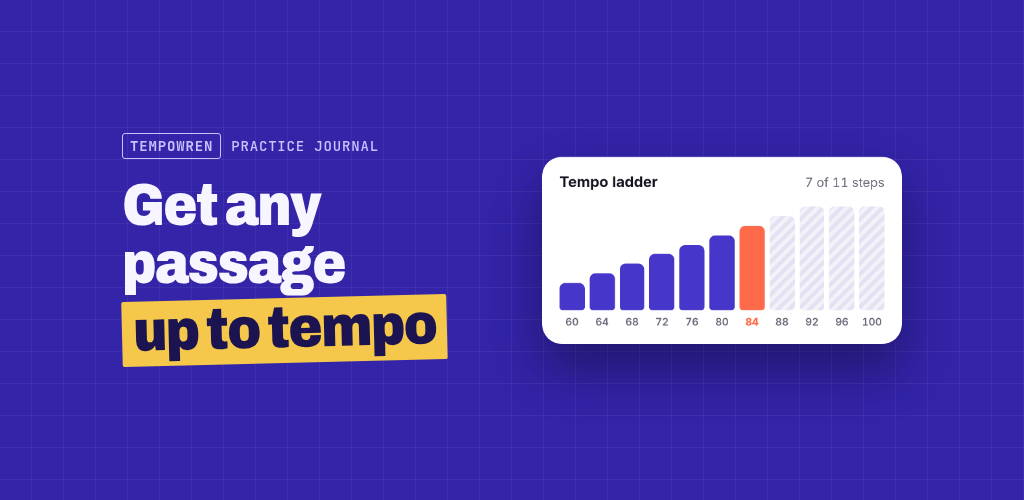
iPhone frames at 1206×2622, the Play phone frame at 1080×1920 and the feature graphic at 1024×500, all PNG without an alpha channel. The feature graphic has no phone in it, keeps the headline and UI away from the edges and leaves the edges to background, as Google recommends.
Store specsSizes guide
Google Play and the listing text
- App Store name
- Tempowren: Practice Journal
- 27/30
- App Store subtitle
- Metronome, tempo ladder, takes
- 30/30
- Play short description
- Practice journal for musicians. Bring hard passages up to tempo, step by step.
- 78/80
The files
| File | Pixels | Alpha | Size |
|---|---|---|---|
| after-1-ladder-1206x2622.png | 1206×2622 | none | 227 KB |
| after-2-session-1206x2622.png | 1206×2622 | none | 184 KB |
| after-3-takes-1206x2622.png | 1206×2622 | none | 253 KB |
| after-4-week-1206x2622.png | 1206×2622 | none | 188 KB |
| after-5-pieces-1206x2622.png | 1206×2622 | none | 268 KB |
| after-play-1-ladder-1080x1920.png | 1080×1920 | none | 162 KB |
| after-feature-graphic-1024x500.png | 1024×500 | none | 48 KB |
A real makeover also includes the larger 1320×2868 iPhone size and the listing text in up to 5 more languages. This sample stops at one size per store and one Play frame to keep the page light; a real makeover covers the full screenshot set for both stores.
How does your first frame do?
Paste your store link. The free audit shows your first screenshots the way search does, and checks them against the same rules as above.
Rather hand it off? We'll make a set like this for your app, for both stores, for $149. See the makeover